WhatsApp Hacked? Warning Signs, How to Fix It & How to Stay Safe
Think your WhatsApp is hacked? Learn the warning signs, the three most common ways WhatsApp accounts get hacked in India, and 7 steps to recover and secure your account.
Exelon Circuits Team
Cybersecurity Specialist
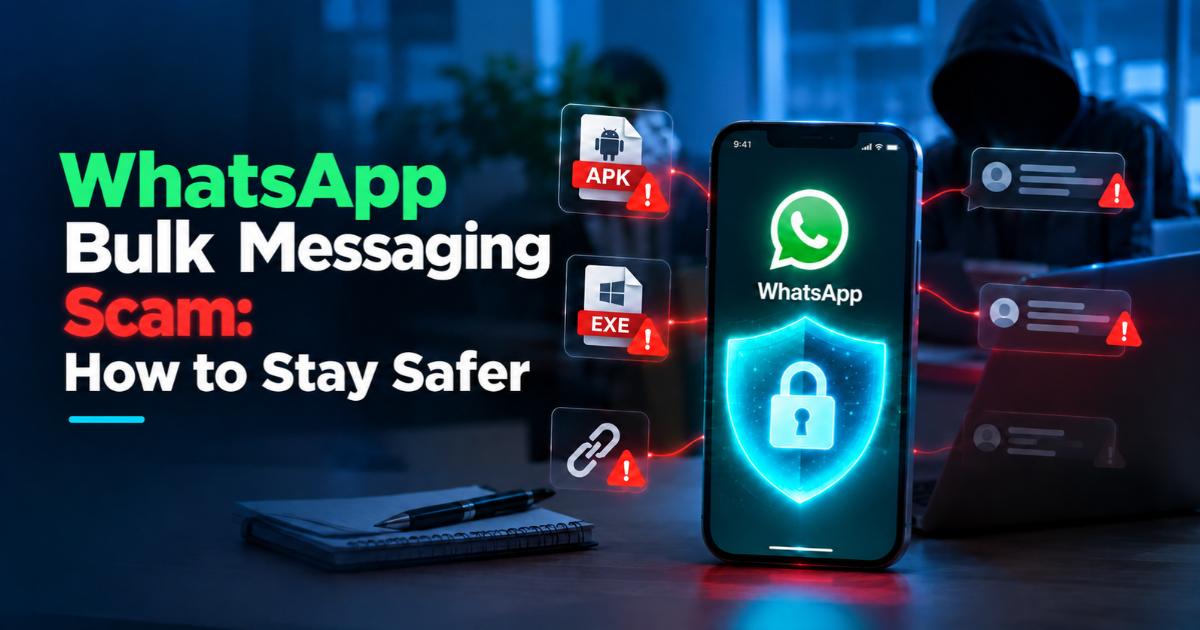
If your WhatsApp is hacked, you will usually notice messages or files going out that you never sent, unknown devices under Linked Devices, or OTPs you didn't request. In India, the most common cause is a fake APK file shared on WhatsApp, followed by verification-code scams and unknown linked devices.
A hacked WhatsApp can send scam messages to all your contacts within minutes, under your name. This guide shows how to know if your WhatsApp is hacked, how hackers get in, exactly what to do next, and how to stop it happening again.
How to Know If Your WhatsApp Is Hacked
- Messages you never sent are the clearest sign your WhatsApp is hacked.
- Check Linked Devices first: it takes 10 seconds.
How Do Hackers Get Into WhatsApp?
These are the three most common ways WhatsApp accounts are compromised:
| Method | How It Works | Warning Sign |
|---|---|---|
| Malicious APK file | A fake file (wedding invite, traffic challan, bank notice) installs malware that controls your WhatsApp | Your contacts receive the same file from you |
| Verification-code scam | Someone tricks you into sharing the 6-digit WhatsApp code and registers your number on their phone | You get logged out of your own WhatsApp |
| Linked device | Someone links WhatsApp Web or Desktop to your account using your phone | An unknown device in Linked Devices |
The WhatsApp APK Bulk Messaging Scam, Step by Step
- The scam spreads through people you trust.
- Never install an APK file received on WhatsApp.
WhatsApp Hacked? Do These 7 Things Now
- Cut the internet first, then remove the hacker's access.
- Report money fraud on 1930 quickly to improve the chance of recovery.
How to Protect WhatsApp From Being Hacked
| Do | Don't |
|---|---|
| Turn on two-step verification | Share your 6-digit WhatsApp code with anyone |
| Check Linked Devices every month | Install APK, EXE, MSI or ISO files from chats |
| Install apps only from Play Store or App Store | Open unexpected links, even from friends |
| Keep your phone and WhatsApp updated | Leave your phone unlocked with others |
| Call the sender to verify unusual requests | Forward files you haven't checked |
Why Businesses Should Care
If an employee's phone or your WhatsApp Business account is hacked, scam messages reach your customers under your brand. That damages trust and can expose business data on the phone.
Mobile security policies, staff awareness sessions and strong business network security reduce this risk. For legitimate bulk messaging, use the official WhatsApp Business API or DLT-registered bulk SMS, never unofficial bulk-sender tools.
Frequently Asked Questions
Conclusion
A hacked WhatsApp is usually caused by one click: a fake APK, a shared verification code or an unknown linked device. Act fast, cut the internet, remove access and turn on two-step verification, and your account can be secured within minutes.
Protect Your Team From WhatsApp Hacks
Exelon Circuits, an ISO 27001:2022 certified company, helps businesses in Mangaluru, Udupi and across India with cybersecurity assessments, mobile security policies and staff awareness training as part of our Cyber Safety Series.