Windows 10 End of Support: What Businesses Should Do Now
Microsoft ended Windows 10 support on 14 October 2025. Learn what it means for your business, the risks of staying on an outdated OS and your options, from Windows 11 to Linux.
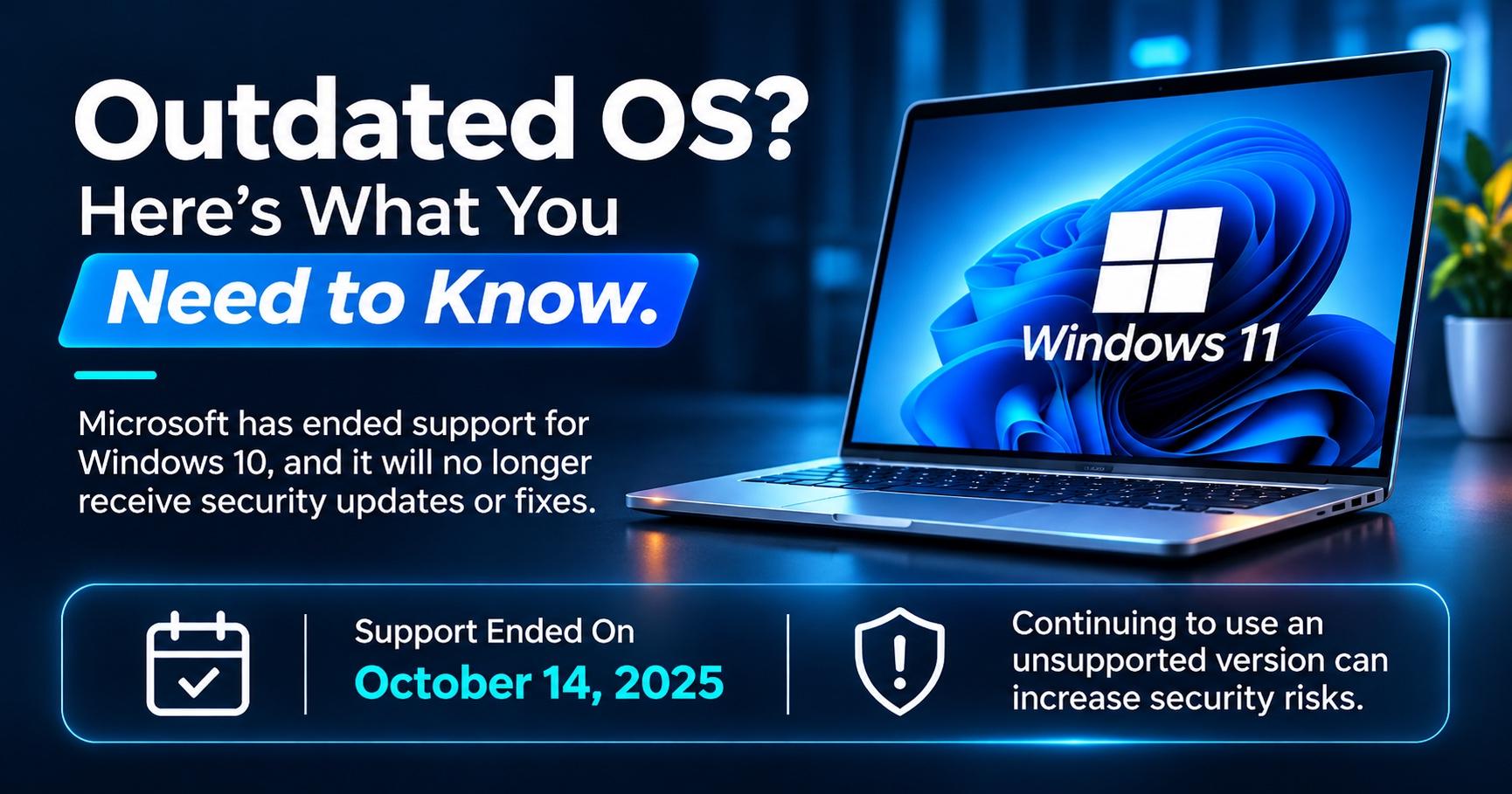
Windows 10 reached end of support on 14 October 2025. Your PCs will still switch on and run, but Microsoft no longer provides free security updates, bug fixes or technical support for them. Every new vulnerability found since then can stay open on those devices.
If your office still runs Windows 10, you have a decision to make. This guide explains what end of support means, why an outdated OS is a business risk, and your options, from upgrading to Windows 11 to moving to a supported alternative.
What Does Windows 10 End of Support Mean?
End of support, often called Windows 10 end of life, means Microsoft has stopped maintaining the product for regular users. Windows 10 will not stop working, and your files will stay where they are. The change is that the operating system no longer gets regular fixes.
- Windows 10 PCs keep working after 14 October 2025, but they no longer receive regular security updates.
- The risk grows over time, as each new vulnerability stays unpatched.
Why an Outdated OS Is a Business Risk
Attackers actively look for systems that no longer receive patches. One unpatched laptop can give them a way into your network, your email and your customer data.
Unsupported devices also weaken the rest of your defences. Our guides on endpoint security and business network security explain how one weak device can affect the whole office.
- One unsupported device can become the entry point to your whole network.
- Antivirus alone does not replace operating system security updates.
Your Options After Windows 10
Most businesses have three practical paths, plus Extended Security Updates as a short-term bridge. Use this table to compare them:
| Option | Best For | What to Consider |
|---|---|---|
| Upgrade to Windows 11 | PCs that meet the hardware requirements | Free upgrade for eligible Windows 10 PCs; test your business apps first |
| Replace the hardware | Older PCs that cannot run Windows 11 | Higher upfront cost, but better speed, security and warranty cover |
| Move to an alternative OS | Web-based work, servers or older PCs | Linux and other supported systems work well if your software runs on them |
| Extended Security Updates (ESU) | Short-term cover while you plan a move | Temporary security fixes only, with no new features or support |
Option 1: Upgrade to Windows 11
Windows 11 is the most direct path for most offices. It is a more secure, modern and supported platform, and it keeps your teams on the Windows apps they already use. Your PC must meet Microsoft's minimum requirements:
| Component | Windows 11 Minimum Requirement |
|---|---|
| Processor | 1 GHz or faster, 64-bit, with 2 or more cores, on a compatible processor |
| Memory | 4 GB RAM |
| Storage | 64 GB or larger |
| Firmware | UEFI with Secure Boot capability |
| Security chip | TPM version 2.0 |
| Graphics | DirectX 12 compatible with a WDDM 2.0 driver |
| Display | 720p, larger than 9 inches |
- Check compatibility with Microsoft's PC Health Check app before you plan the upgrade.
- TPM 2.0 and Secure Boot are the requirements older PCs most often miss.
Option 2: Explore an Alternative OS
If a PC cannot run Windows 11, it does not always need replacing. Linux distributions such as Ubuntu and Linux Mint are actively supported and run well on older hardware.
This works best for browser-based work, reception desks, kiosks and servers. Before you switch, confirm that your accounting software, printers and other business tools work on the new system. Your team may also need some training.
What About Extended Security Updates?
Extended Security Updates (ESU) give Windows 10 PCs critical and important security fixes for a limited time. They do not add features or include technical support, so treat ESU as a bridge rather than a long-term plan.
For many businesses, that rising cost is a good reason to spend the budget on a permanent upgrade instead.
- ESU buys time, but it does not solve the problem.
- Commercial ESU costs double each year, so a planned upgrade usually makes more sense.
How to Plan Your Move in 6 Steps
- Start with higher-risk devices that handle client data, finance records or remote access.
- A phased rollout avoids disruption to daily work.
Frequently Asked Questions
Conclusion
Windows 10 end of support is not a crisis on day one, but the risk increases with every month you wait. List your devices, check what can run Windows 11 and choose a supported path for the rest. Stay secure and stay updated.
Need Help Moving Off Windows 10?
Exelon Circuits, an ISO 27001:2022 certified company, helps businesses in Mangaluru, Udupi and across India with genuine OS licences, upgrade and migration assistance, and deployment of supported operating systems. Talk to our team today: +91 73494 31090 or contactus@exeloncircuits.com.
Exelon Circuits Team
IT Infrastructure & Endpoint Security Specialist