Endpoint Security: Is Every Business Device Really Protected?
Every laptop, desktop and mobile device can be a target for cyberattacks. Learn what endpoint security is and 5 practical steps to protect your business devices.
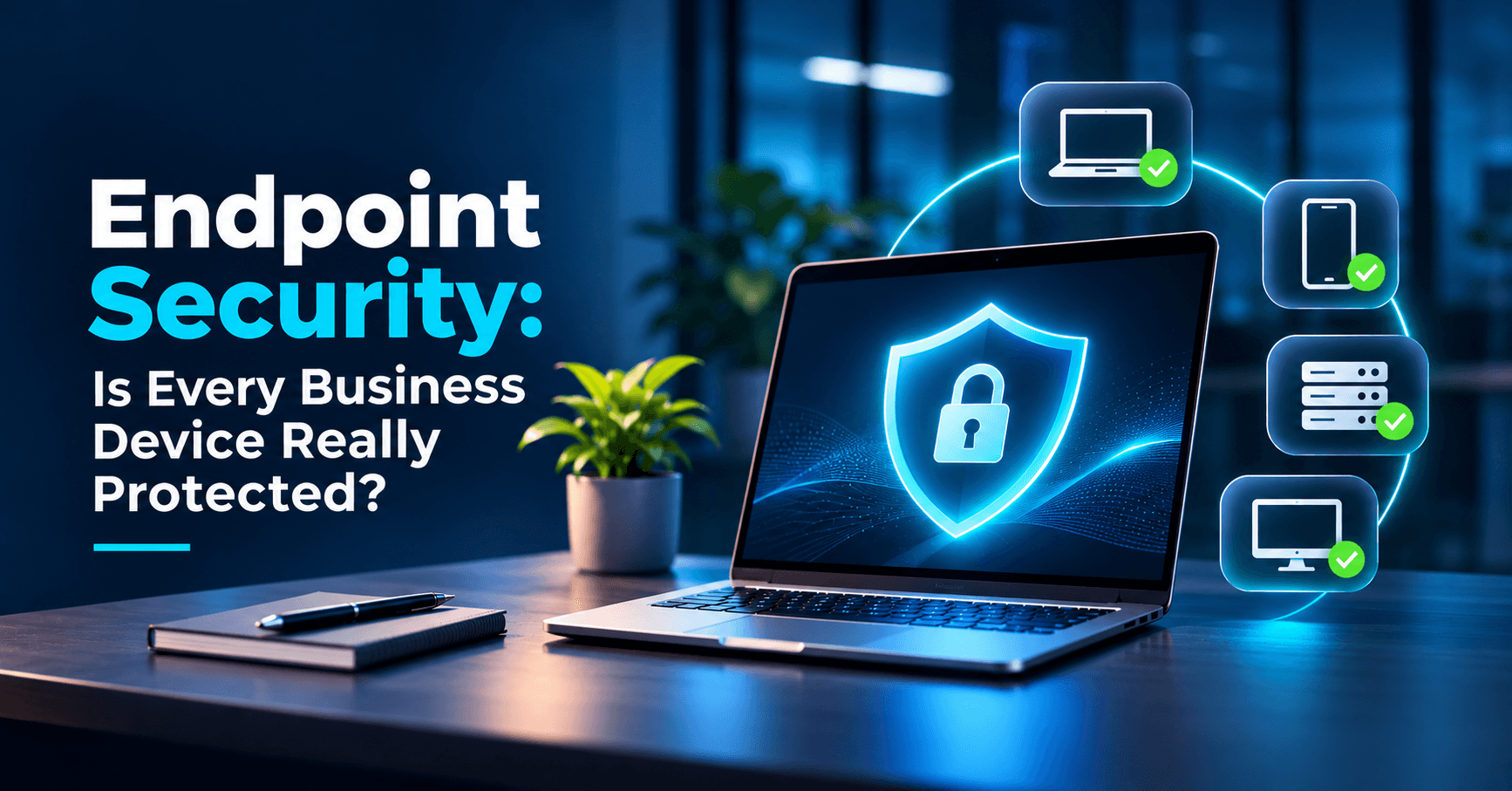
Endpoint security protects every business device, such as laptops, desktops, phones and servers, from malware, ransomware and unauthorised access. Modern businesses run on connected devices. From employee laptops and office desktops to smartphones, tablets, and remote workstations, every device that accesses your network carries sensitive files and access credentials.
Every connected endpoint is also a potential entry point for cyberattacks. A single compromised device can expose your company to data breaches, ransomware paralysis, and severe regulatory fallout. This guide breaks down what endpoint security is, why traditional antivirus falls short, and 5 practical steps to secure every device across your organisation.
What Is Endpoint Security?
Endpoint security protects business devices—including laptops, desktop workstations, mobile phones, servers, and point-of-sale terminals—from malware, ransomware, phishing, and unauthorised access.
Unlike legacy antivirus that only scans local files against known signatures, modern endpoint security provides centralised fleet visibility, behavioral threat detection, and rapid Endpoint Detection and Response (EDR) to isolate compromised devices instantly.
- Endpoint security protects all devices connecting to your company network from malware and intrusion.
- Modern solutions use behavioral analysis to block zero-day threats before they spread.
Endpoint Security Risks: How Attackers Target Business Devices
Different devices introduce distinct vulnerabilities into your workplace. Understanding these risks helps you focus your defence:
| Device Type | Common Vulnerabilities | Business Risk |
|---|---|---|
| Laptops & Desktops | Outdated OS, unpatched software, phishing attachments, rogue USB drives | Ransomware encryption, credential theft, lateral network spread |
| Smartphones & Tablets | Malicious apps, unsecured public Wi-Fi, smishing (SMS phishing) | Compromised business email, stolen 2FA codes, confidential data leaks |
| Remote / WFH Devices | Weak home routers, shared family computers, missing VPN | Direct backdoor into internal corporate systems and databases |
| Office Servers & Storage | Default passwords, exposed remote desktop ports, unmonitored access | Enterprise-wide downtime, database extortion, compliance fines |
5 Endpoint Security Steps to Protect Your Business Devices
Securing your organisation's device ecosystem does not require excessive complexity. Following these five fundamental steps builds a dependable defence against modern cyber threats:
Step 1: Install Centralised Endpoint Protection
Equip all employee laptops, desktops, and company-owned mobile devices with enterprise-grade endpoint protection or EDR rather than consumer-grade antivirus.
A centralised dashboard enables IT administrators to monitor threat statuses across all branches, quarantine malicious files instantly, and disconnect infected devices from the corporate network before malware spreads.
- Centralised endpoint software allows instantaneous containment across all office branches.
- Behavioral monitoring spots unknown malware that bypasses traditional signature filters.
Step 2: Update Systems and Software Regularly
Software vendors regularly publish security patches to fix vulnerabilities that attackers actively exploit. Running outdated operating systems, web browsers, or productivity apps leaves an open door.
Turn on automatic operating system updates across Windows, macOS, Android, and iOS. Establish a routine patch management cadence so that critical security updates are installed promptly.
Step 3: Use Strong, Unique Passwords
Reusing identical or simplistic passwords across business accounts makes credential stuffing trivial for attackers. Once one service leaks a password, attackers use it to compromise corporate portals.
Deploy a managed password manager across your team. Mandate passphrases combining uppercase letters, numbers, and symbols, and eliminate plaintext password sharing via chats or spreadsheets. Train staff to spot phishing messages and fake app files that steal logins.
Step 4: Enable Multi-Factor Authentication
Passwords alone are no longer enough to stop unauthorized access. Multi-Factor Authentication (MFA) requires a second form of verification—such as a mobile authenticator prompt or security token—before access is granted.
Enforce MFA across corporate email, cloud drives, VPN gateways, and admin consoles. Even if an attacker steals an employee's password, MFA stops unauthorized logins in their tracks.
- MFA stops credential-based account takeovers even if an employee password is leaked.
- Require MFA on all email, cloud services, and remote access systems.
Step 5: Watch for Suspicious Activity in Real Time
Early threat detection prevents a minor security anomaly from escalating into a catastrophic incident. Watch for unexpected privilege escalations, repeated failed login attempts, unusual background processes, and sudden bursts of outbound network traffic.
Pair endpoint logging with active network monitoring so your team can investigate alerts immediately. See our guide on business network security steps to learn how network controls complement device security.
Endpoint Security Readiness Checklist
Use this quick checklist to evaluate your company's device security posture:
If your business answered "no" to any of these points, your endpoints have exploitable gaps. If you also manage physical office infrastructure, review our guide on STQC certified CCTV rules and fixing slow office internet.
- Regular self-audits identify vulnerable devices before attackers find them.
- Pairing device security with employee awareness creates end-to-end resilience.
Frequently Asked Questions
Conclusion
Your business relies on laptops, desktops, and mobile devices to stay productive. Securing every endpoint with centralised protection, automatic updates, robust passwords, MFA, and active monitoring ensures that your company stays protected against modern cyber threats.
Protect Every Device With Exelon Circuits
Need to secure your business devices? Exelon Circuits helps businesses in Mangaluru, Udupi, and across India audit endpoint vulnerabilities, deploy enterprise-grade EDR, and implement continuous security monitoring.
Protect every device. Secure your business. Contact Exelon Circuits at contactus@exeloncircuits.com or call +91 73494 31090 to strengthen your business protection.
Exelon Circuits Team
Endpoint Security Specialist