Branded PC vs Assembled PC: Which Is Right for Your Business?
Branded or assembled PC? Compare reliability, security, warranty and management to choose the right computers for your office, developers and high-performance work.
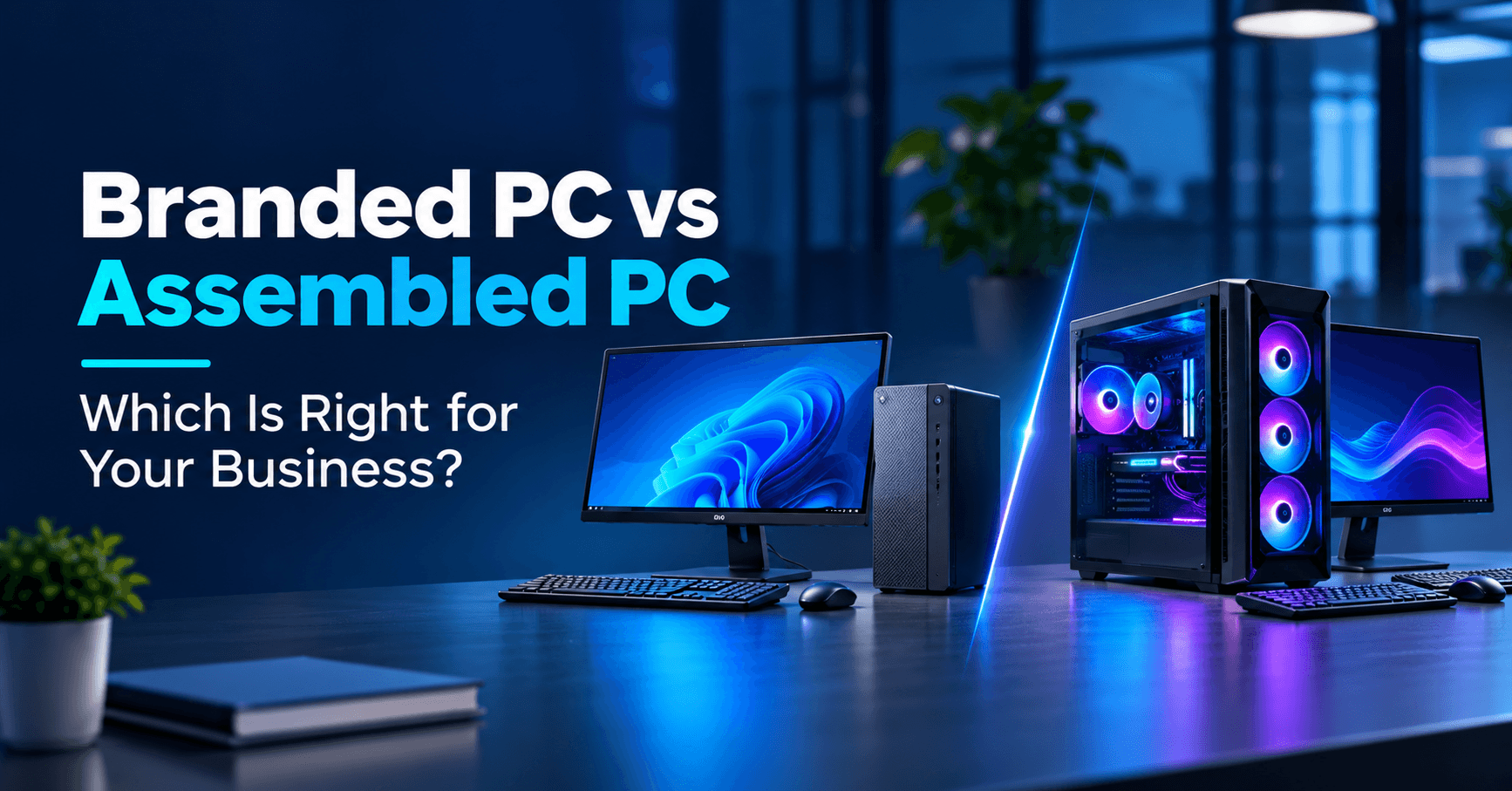
A branded PC is a complete computer built, tested and supported by one manufacturer, such as Dell, HP or Lenovo, while an assembled PC is built from parts chosen individually. For most office work, branded business PCs are easier to secure and support. For development, electronics and AI workloads, an assembled PC often gives better performance and upgrade flexibility.
Buying computers for your team is a long-term decision. The right choice affects security, downtime, support costs and how productive your people are every day. This guide compares branded and assembled PCs on reliability, security, support and management, and shows which option fits each type of work.
What Is a Branded PC?
A branded PC is designed, built and tested as one complete system by a manufacturer. Business ranges such as Dell OptiPlex, HP ProDesk and Lenovo ThinkCentre are made for offices and come with:
What Is an Assembled PC?
An assembled PC is built by a local vendor or IT partner from individually chosen parts: processor, motherboard, memory, storage, graphics card, power supply and cabinet. You get exactly the specification you need, and you can upgrade parts later. Quality depends on the components chosen and how well the system is put together and configured.
- Branded PCs offer consistency, built-in security and single-vendor support.
- Assembled PCs offer custom performance and easier upgrades.
Branded PC vs Assembled PC: Side-by-Side Comparison
| Aspect | Branded PC | Assembled PC |
|---|---|---|
| Reliability | Higher, tested and validated performance | Good, depends on component quality |
| Security | Built-in enterprise security (TPM, Secure Boot, BIOS controls) | Can be secured with proper setup and controls |
| Support & Warranty | Single-vendor, easier support with warranty | Component-wise support (by individual vendor) |
| Management | Easier remote management and firmware updates | More customization and upgrade flexibility |
| Best For | Business, enterprise and managed environments | Custom or high-performance requirements (e.g., development, AI) |
Reliability: Tested Systems vs Chosen Components
Branded business PCs go through testing for heat, power and long-term use, so every unit of a model behaves the same way. That consistency matters when you run 10, 50 or 200 machines.
Assembled PCs can be just as reliable when good-quality parts, a proper power supply and adequate cooling are used. Problems usually come from cutting costs on these less visible parts.
Security: Built-In vs Configured
Branded business PCs ship with TPM 2.0, Secure Boot and BIOS-level controls such as admin passwords and boot restrictions. These are also requirements for Windows 11, which matters since Windows 10 support has ended.
An assembled PC can be just as secure, but only if the motherboard supports these features and they are switched on during setup. Whichever you choose, pair it with proper endpoint security.
- Branded business PCs have security features enabled out of the box.
- Assembled PCs need TPM 2.0 and Secure Boot checked and enabled during setup.
Support, Warranty and Management
With a branded PC, one manufacturer handles the whole machine. A single support call covers any fault, and many business models offer on-site service options. Remote management tools also make it easier to push BIOS and firmware updates across every machine.
With an assembled PC, each part carries its own warranty from its own brand. Your vendor or IT partner usually coordinates repairs, so choosing a reliable local partner is essential.
Which PC Should You Choose? Recommended Use Cases
| Team or workload | Recommended PC | Why |
|---|---|---|
| Office, Accounts, HR, Sales | Branded business PC (Dell OptiPlex / HP ProDesk / Lenovo ThinkCentre) | Reliable, secure and easy to manage at scale |
| Software Developers | Branded or Assembled (based on workload) | Depends on build tools, memory and multi-monitor needs |
| Embedded & Electronics Development | Assembled PC | More flexibility and upgrade options for tools and interfaces |
| AI / ML / High-Performance Workloads | Assembled workstation | Higher specs, powerful GPU and room to upgrade |
- Most office teams are best served by branded business PCs.
- Technical and AI teams often benefit from custom assembled workstations.
How to Choose the Right PC for Your Business
Branded vs Assembled PC Checklist
Frequently Asked Questions
Conclusion
There is no single winner in the branded PC vs assembled PC debate. Branded business PCs are the safest choice for most office teams, while assembled systems suit developers, electronics engineers and AI workloads. Choose the right option based on your workload, security needs, support preferences and budget.
Consult Our IT Experts for the Right Setup
Exelon Circuits, an ISO 27001:2022 certified company, helps businesses in Mangaluru, Udupi and across India choose the right computers. We assess your requirements, recommend the right configuration, set it up securely and provide ongoing support. Talk to our team today: +91 73494 31090 or contactus@exeloncircuits.com.
Exelon Circuits Team
IT Infrastructure & Endpoint Security Specialist