What Is a Firewall? Why Your Business Network Needs One
One unprotected network is one open door for cyber threats. Learn what a firewall is, how it protects your business, the main types and how to set one up properly.
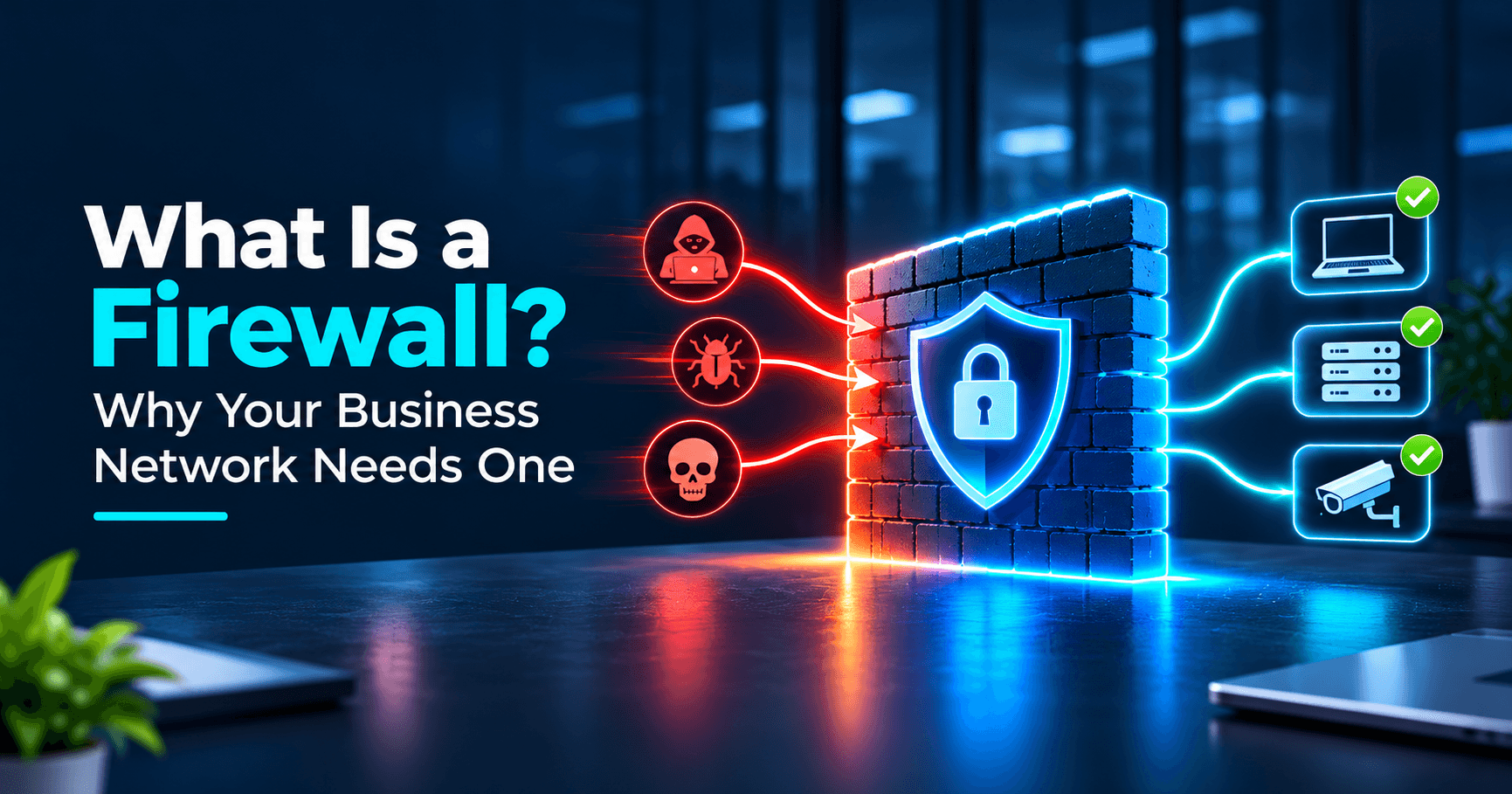
A firewall is a security system that monitors network traffic and blocks unauthorized connections before they can reach your systems. It sits between your business network and the internet, checking every connection against a set of rules and stopping anything that should not get in or out.
Every office today is connected: laptops, servers, CCTV cameras, printers and cloud apps all share one network. But is your business network secure, or just connected? This guide explains what a firewall is, why it is critical for businesses, the main types of firewalls, and how to set one up the right way.
What Is a Firewall and How Does It Work?
The US National Institute of Standards and Technology (NIST) describes a firewall as a device or program that controls the flow of traffic between networks or hosts with different security levels. In simple terms, it is a gatekeeper for your network.
A firewall works by checking each connection against rules you set:
Allow: trusted traffic, such as staff using email or your accounting software, passes through.
Block: unknown or suspicious connections, such as attempts to reach your server from the internet, are stopped.
Monitor: activity is logged so your IT team can spot unusual patterns and respond.
- A firewall is the first line of defense between your business network and the internet.
- It allows trusted traffic, blocks unauthorized connections and logs activity.
Why Is a Firewall Critical for Your Business?
Without a properly configured firewall, any device on your network can be reached by attackers scanning the internet for easy targets. A firewall helps your business in four ways:
| Why it matters | What the firewall does |
|---|---|
| Prevents unauthorized access to sensitive data | Blocks outside connections to servers, files and business systems |
| Stops malicious traffic from entering your systems | Filters known threats, malware downloads and suspicious connections |
| Reduces the risk of cyberattacks and disruptions | Limits what attackers can reach, so one weak device does not expose the whole office |
| Protects your business from costly security breaches | Helps prevent data theft, ransomware and downtime that damage revenue and trust |
Types of Firewalls for Business
Popular business firewall brands include Fortinet FortiGate, Sophos, SonicWall and Cisco Meraki. The right choice depends on your number of users, internet speed and the features you need.
| Firewall type | What it protects | Best for |
|---|---|---|
| Hardware (network) firewall | The whole office network at the internet connection | Every business with an office network |
| Software (host) firewall | A single computer or server, such as the built-in Windows Firewall | Laptops used inside and outside the office |
| Next-generation firewall (NGFW) | Adds intrusion prevention, application control and web filtering | Growing businesses with sensitive data |
| Cloud firewall | Cloud servers and remote users | Businesses using cloud hosting or remote teams |
- Most businesses need a hardware firewall at the office plus software firewalls on every laptop.
- Next-generation firewalls add deeper protection for businesses handling sensitive data.
Firewall vs Antivirus: What Is the Difference?
A firewall and antivirus do different jobs, and businesses need both:
Firewall: controls what traffic can enter or leave your network.
Antivirus or endpoint protection: finds and removes malware on individual devices.
A firewall stops many threats at the door, while endpoint security protects each device if something gets through.
Signs Your Business Network Is Unprotected
How to Secure Your Network with a Firewall: 5 Steps
- A firewall is only as strong as its configuration and updates.
- Network separation stops one compromised device from reaching your business systems.
Firewall Security Checklist
For a complete approach, see our guides on business network security and small business IT essentials.
Frequently Asked Questions
Conclusion
One unprotected network is one open door for cyber threats. A properly installed and configured firewall prevents unauthorized access, stops malicious traffic and protects your business from costly breaches. Don't wait for a breach to secure your network. Every secure business starts with a protected network.
Don't Wait for a Breach to Secure Your Network
Exelon Circuits, an ISO 27001:2022 certified company, protects businesses in Mangaluru, Udupi and across India with firewall installation and configuration, network access control, network security management and secure infrastructure solutions. Talk to our team today: +91 73494 31090 or contactus@exeloncircuits.com.
Exelon Circuits Team
Network & Cybersecurity Specialist