Small Business IT Essentials: 4 Foundations for a Secure, Connected Business
Every small business needs the right IT foundation. Learn the 4 essentials, endpoint security, cloud storage, data backup and business Wi-Fi, that protect your data and keep work running.
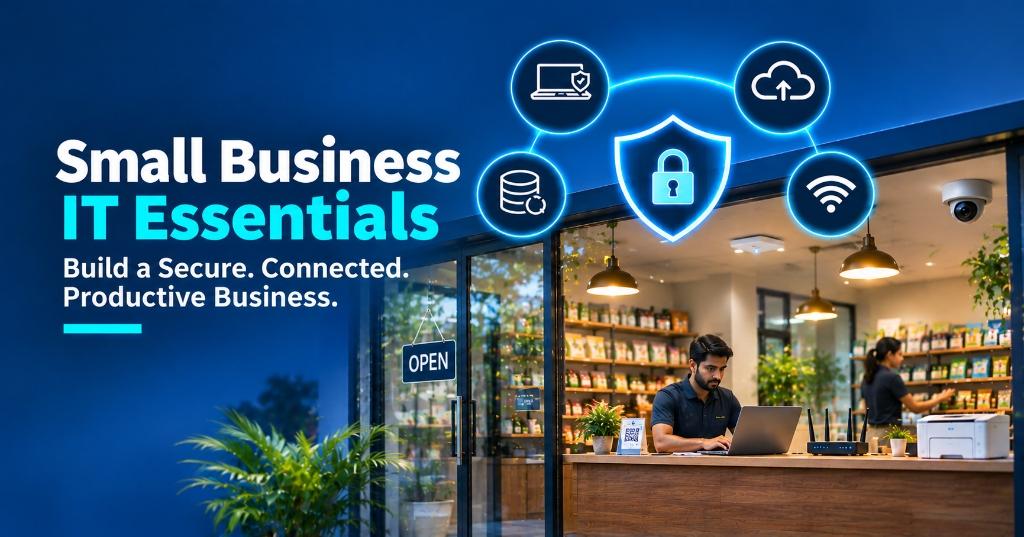
Small business IT essentials are the four foundations every business needs to protect its data and keep work running: endpoint security, cloud storage, data backup and a secure business network. Get these right and your team can work safely from any device, recover quickly from mistakes, and stay connected without interruptions.
Many small businesses add technology one tool at a time, a laptop here, a Wi-Fi router there, files saved wherever is convenient. That works until a laptop is stolen, a file is deleted or ransomware locks the office. This guide explains the 4 IT essentials, what each one protects, and how to put them in place without a large IT team.
Why Small Businesses Need a Proper IT Foundation
Small businesses hold the same valuable data as large companies: customer details, invoices, contracts and bank records. But they usually have fewer defences, which makes them an easy target.
- Small businesses face the same threats as large ones, with fewer defences.
- A simple, well-planned IT foundation prevents most common disruptions.
The 4 Small Business IT Essentials at a Glance
| IT ESSENTIAL | WHAT IT DOES | WHAT IT PROTECTS YOU FROM |
|---|---|---|
| Endpoint security | Protects laptops, desktops and phones from cyber threats | Malware, ransomware, stolen logins |
| Cloud storage (1 TB) | Stores, shares and manages files securely online | Scattered files, lost devices, version confusion |
| Data backup | Keeps extra copies of critical business data | Accidental deletion, hardware failure, ransomware |
| Gateway & access point | Provides secure, reliable business Wi-Fi and internet | Slow internet, network intrusion, downtime |
Essential 1: Endpoint Security
Every laptop, desktop and mobile device your team uses is an "endpoint", and each one is a possible way in for attackers. Endpoint security protects business devices from cyber threats with business-grade protection, automatic updates and central monitoring.
Read our full guide to endpoint security for business devices.
Essential 2: Cloud Storage (1 TB)
Cloud storage lets your team store, access and manage files securely from anywhere. With 1 TB of storage, a small team has room for documents, spreadsheets, designs and shared folders without relying on personal drives or USB sticks. Popular options include Microsoft OneDrive (included with Microsoft 365 business plans, with 1 TB per user), Google Drive (part of Google Workspace) and Zoho WorkDrive. Exelon Circuits can help you choose and set up the right one for your team.
- Cloud storage keeps business files in one secure place your team can reach anywhere.
- Set clear sharing permissions so sensitive files stay private.
Essential 3: Data Backup
Cloud storage and backup are not the same. If a file is deleted or encrypted by ransomware, that change can sync everywhere. A separate data backup protects critical business data from unexpected loss.
A simple rule many businesses follow is the 3-2-1 backup rule:
Back up automatically every day, and test a restore at least once every few months so you know it works when you need it.
- Backup is your last line of defence against ransomware and accidental deletion.
- A backup you have never tested is not a backup you can rely on.
Essential 4: Gateway & Access Point
Your gateway (business router or firewall) and Wi-Fi access points connect every device to the internet. Consumer routers often struggle when many people connect, and they rarely have strong security controls. A business-grade gateway and access points enable secure and reliable business connectivity.
If your office internet is already struggling, see slow office internet: 8 causes and fixes and business network security.
How to Set Up Your Small Business IT in 5 Steps
- Start with devices and data, the areas with the biggest risk.
- One trusted IT partner can set up all four essentials together.
Small Business IT Essentials Checklist
Frequently Asked Questions
Conclusion
Small business IT doesn't have to be complicated. With endpoint security, cloud storage, data backup and a secure business network in place, you protect your data, prevent disruptions and give your team the tools to work efficiently. Protect your business, and power your growth.
Protect Your Business. Power Your Growth.
Exelon Circuits, an ISO 27001:2022 certified company, helps small businesses in Mangaluru, Udupi and across India secure their devices, safeguard their data and build reliable IT infrastructure, from endpoint security and cloud storage to backup and business Wi-Fi. Talk to our team today: +91 73494 31090 or contactus@exeloncircuits.com.
Exelon Circuits Team
IT Infrastructure & Endpoint Security Specialist